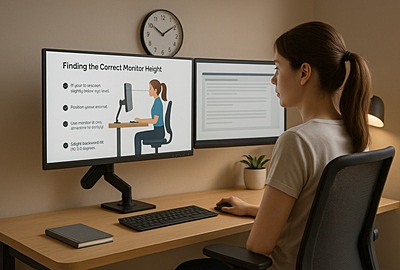
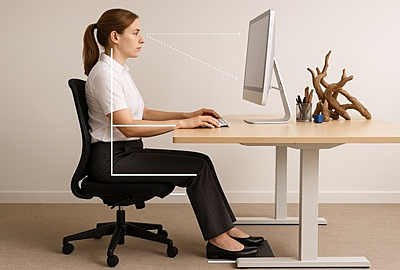
If you’re spending hours in front of a screen, your monitor height could be silently ruining your posture. This guide breaks down how high your monitor should be for maximum comfort and productivity—without the guesswork. Whether you're at a standing desk, working with dual monitors, or managing a home office setup, you'll learn practical ergonomic tips to reduce neck pain, eye strain, and fatigue. Backed by real-world examples and straightforward advice, this is the monitor setup guide every office worker needs.
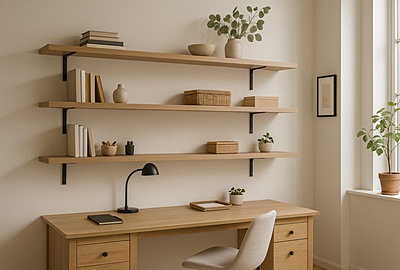
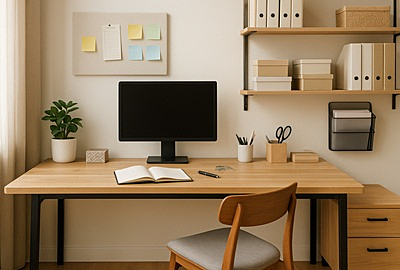
Sick of working in a cluttered, uninspiring space? These 8 home office shelving ideas will help you maximise storage, reduce visual clutter, and boost productivity without sacrificing style. From floating shelves to budget-friendly built-ins, this guide shows you how to transform your workspace into something that actually works.
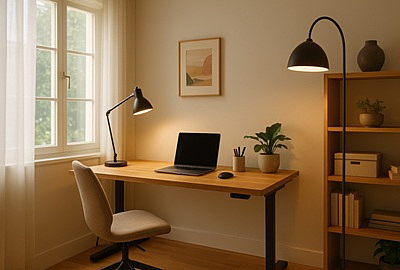
Lighting can make or break your focus when working from home. This guide covers practical home office lighting ideas—from natural light and task lamps to reducing eye strain and avoiding glare. Whether you're in a dedicated room or a shared space, these tips help you stay sharp, comfortable, and productive all day.
Clutter doesn’t just take up space—it kills focus. These 8 shelving ideas are made to bring order, function, and serious style to any home office. Whether you're short on room or tired of the mess, here's how to fix it fast.
Struggling to stop thinking about work after hours? It’s a common problem many face. In this article, we will share effective strategies on how to stop thinking about work and reclaim your personal time? Here's 10 actionable tips that work from software to manage your workload to meditation and exercise we cover it all in this article.
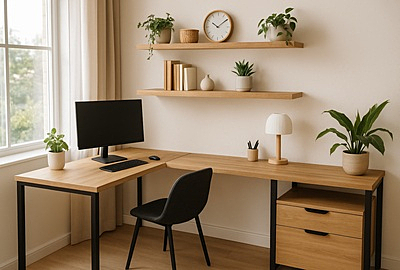
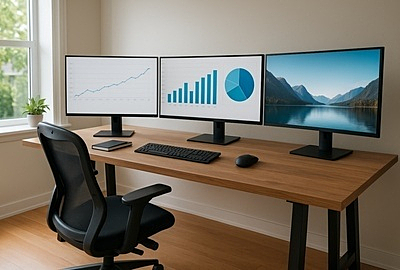
A home office setup with multiple monitors can significantly enhance how you work—cutting down on window juggling and helping you stay focused. Whether you're using two monitors or building a full three-screen workstation, the right gear and layout make all the difference. This guide breaks down everything from ergonomic tips to display placement, so you can create a workspace that’s efficient, comfortable, and built for real productivity.
Struggling to focus in a messy workspace? This guide breaks down how to organise your home office with practical tips that actually work. Say goodbye to clutter and hello to a setup that’s clean, functional, and built for real productivity.
Most office discomfort doesn’t come from hard work—it comes from a bad setup. This detailed office ergonomics checklist walks you through practical adjustments for your chair, monitor, keyboard, and posture to help prevent pain and boost focus. Ideal for anyone who sits or stands for long hours, it’s a no-fluff guide to working smarter and feeling better.
When space is limited, you have to get creative with your compact space. You may not have an entire room at your disposal, but there may be some underutilised areas of your home that you can commandeer, such as a home office nook in a closet, an alcove, or an empty space in your bedroom. The area in which you work is the first decision you’ll need to make when establishing your office, and it is an important one.








 Buy Now, Pay Later
 Verified Rating