









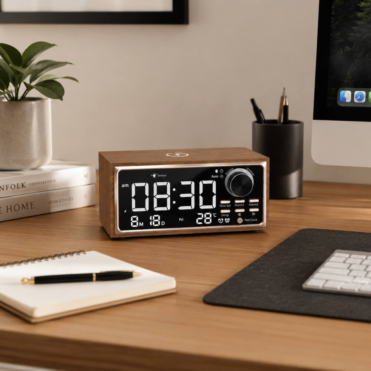


Cables getting in the way?
Compare trays for the horizontal route beneath the desk and a spine for the vertical drop.
Shop cable management
 Buy Now, Pay Later
 Real Reviews

Make your desk easier to use, one practical addition at a time. Explore monitor supports, cable management, drawers, mats and lighting for home offices and team workspaces. Start with the thing that gets in the way, then choose an accessory that fits your desk and equipment.











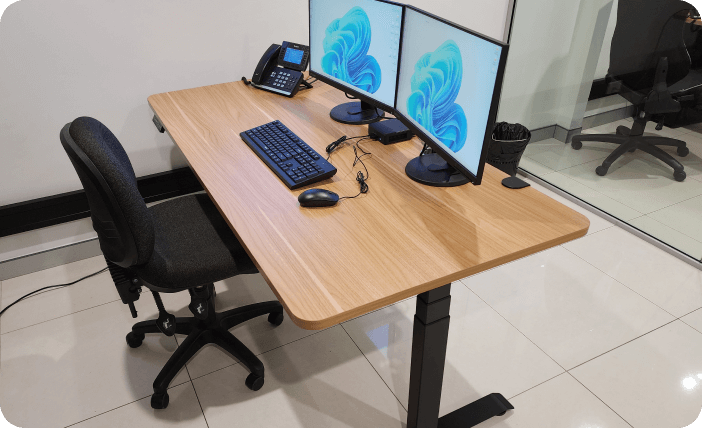
“I’m beyond happy with this desk, the quality is brilliant and it was extremely simple to assemble.”
“We bought two desks from Deskup. They are perfect and exactly what we wanted. The quality is very good and heavy duty.”
“We bought two desks from Deskup. They are perfect and exactly what we wanted. The quality is very good and heavy duty.”
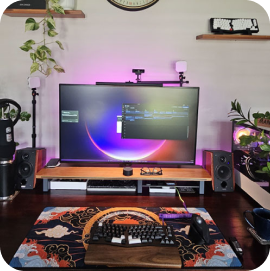

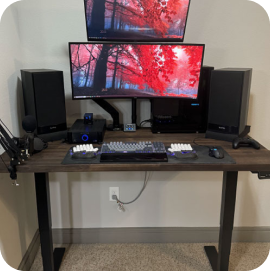
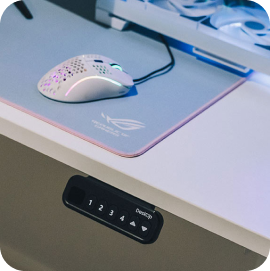
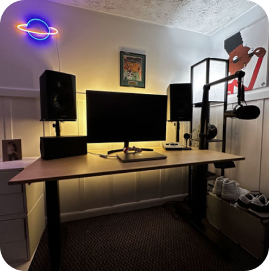
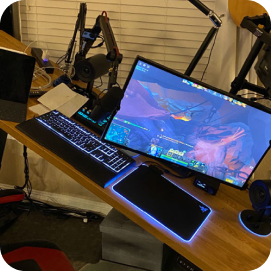
Cables on the floor, a screen that sits too low and small items covering the desktop call for different solutions. Use this page to find the right accessory type, then open its dedicated category or product for dimensions, mounting details and current options.
Compare trays for the horizontal route beneath the desk and a spine for the vertical drop.
Shop cable managementChoose a compatible mounting arm for adjustment, or a riser that supports the original monitor base.
Compare monitor supportsGive small items a place with a drawer, pegboard or desktop organiser.
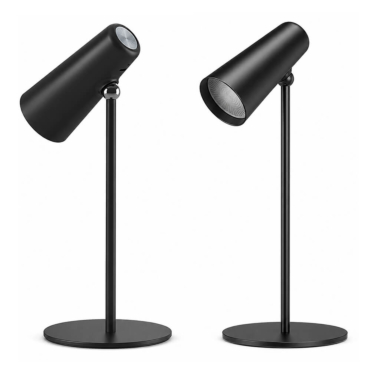
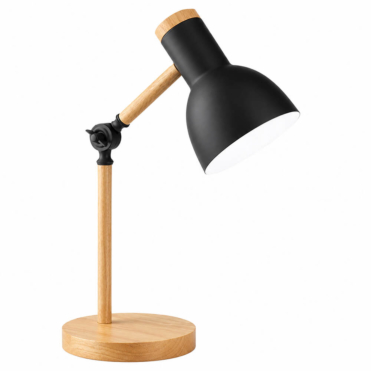
Shop desk storageCompare a desk lamp with monitor-mounted task lighting and ambient RGB options.
Explore desk lightingCompare wrist rests, lumbar cushions, arm supports and standing mats by their intended use.
Explore comfort accessoriesMatch the desk model and connectors before choosing a controller or power assembly.
Find replacement partsA standing desk needs leads that can move through its full height range. An adjustable clamp-on cable tray groups cables beneath the desktop without screw mounting where the clamp fits. A cable spine organises the route towards the floor. Leave slack at moving points and check clearances around the frame and storage.
Monitor arms attach compatible screens to the desk and offer different movements. Match screen weight, size and VESA pattern to the model. A monitor stand or riser keeps the screen on its existing base and creates space beneath the shelf instead.
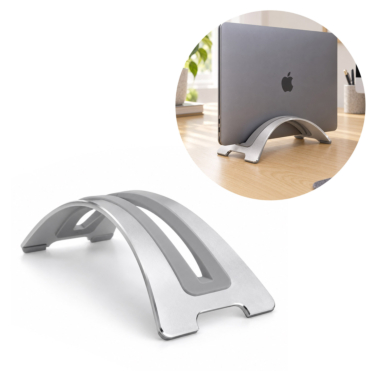
A laptop stand raises a notebook for use, while a vertical holder stores it upright. An arm-mounted tray serves another purpose. Choose the arrangement that matches how you use the device, not just the shape that looks tidy in a photograph.
An under-desk drawer keeps smaller items out of view. A pegboard uses vertical space for compatible holders, and a desktop whiteboard gives notes a reusable writing surface. Measure the mounting footprint and leave room for drawers to open and your knees to move.
A desk mat, a chair mat and an anti-fatigue standing mat have different jobs. Choose according to the surface and use described in the selected listing. For lighting, decide whether you need task light on paperwork or ambient colour around a gaming setup.
An under-desk wireless charger can keep the charging unit beneath a suitable surface. Surface material, thickness and device compatibility matter. Do not treat every desktop or every phone as compatible with the same accessory.
Clamps need an accessible edge within their opening range. Screw-mounted accessories need suitable material, thickness and fixings. A monitor mount needs a compatible screen. Consider the combined load and movement of the workstation when adding accessories to an adjustable-height desk.
For a shared office, check one representative desk first, then confirm that other desks use the same construction. Product-specific availability and warranty terms apply to each item, not automatically to the whole accessories range.
Choose the accessory that solves the biggest practical problem first. Keep useful working space clear rather than filling the desk with every available addition. For a complete workstation, compare Deskup desks and office chairs alongside the accessories.
Some may, but fit depends on the item. Compare mounting, dimensions, surface suitability and load limits before ordering. Replacement electrical parts require an exact compatibility check.
Identify whether the main problem is cable routing, screen placement or storage. Solve that first, then add other accessories only where they serve a clear purpose.
Send your desk measurements, equipment and quantities for help checking a practical combination.
Get help with your setup